
Fluent Search 1.5 is now available
.jpg)
Fluent Search 1.5 is out on the Stable channel. If you've stayed on Stable, this is a big jump: it brings together the work from 1.0.2, the 1.1 beta that never shipped to Stable, and everything that's landed throughout the 1.5 preview.
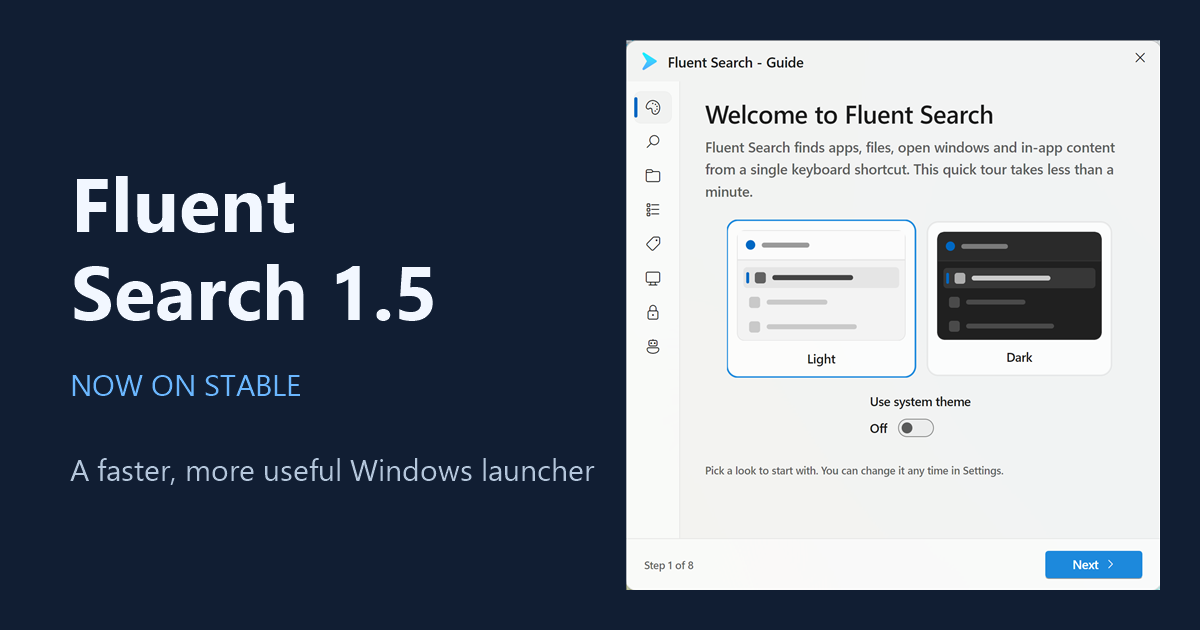
The biggest change is what you can do before you even type. But the improvements you'll feel every day are simpler: search opens faster, file results stay responsive while the index updates, and Fluent Search does less work when you're not using it.
Already on Stable? Open Settings > Updates > Check for updates. You don't need to switch to Nightly or uninstall first. For a fresh install, download Fluent Search for Windows x64 or ARM64.
Watch Fluent Search 1.5 in action
Find something without knowing what to type
Open Fluent Search and press Down Arrow with an empty search bar. The new Home screen lets you browse apps, windows, files, open tabs, bookmarks and history. Choose a lens to browse, or start typing to search within it.
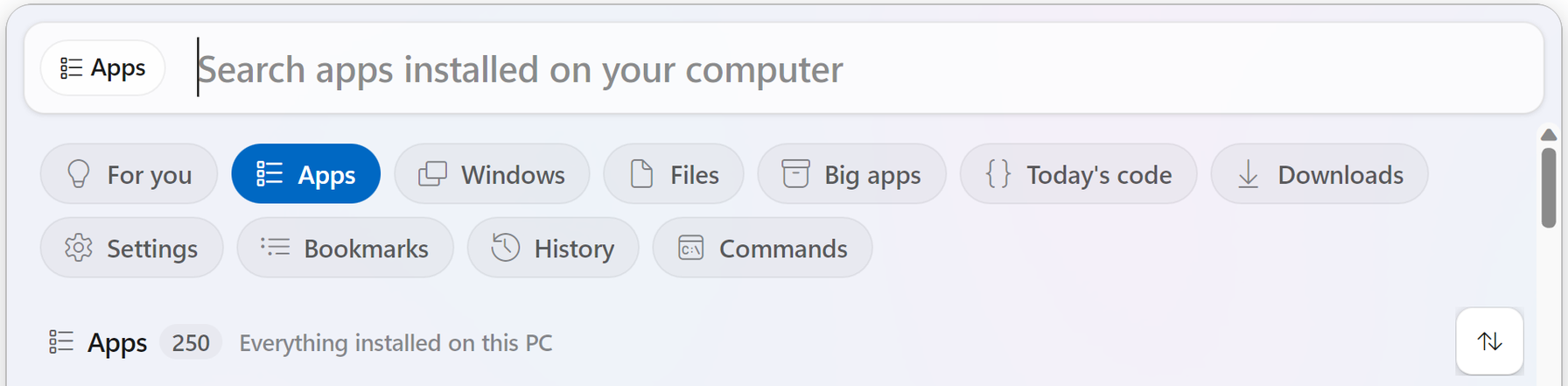
You can make your own lens from any combination of search tags. For example, combine documents with a modified-date tag and save it as This week's documents. It lives alongside the things you've pinned instead of making you repeat the same search every time.
Browser search can now switch to an open tab directly, without installing an extension. And search tags can narrow files by type, size or date, or narrow browser history by when and how often you visited a page.
Quick Menu is for the moment you're already in
Quick Menu is now a mouse-first menu for what's in front of you. Open it over a supported app or selection to see relevant actions, or switch to Home for Favorites, Places and Tasks. You can choose which mode opens first and switch back without losing the selection you started with.
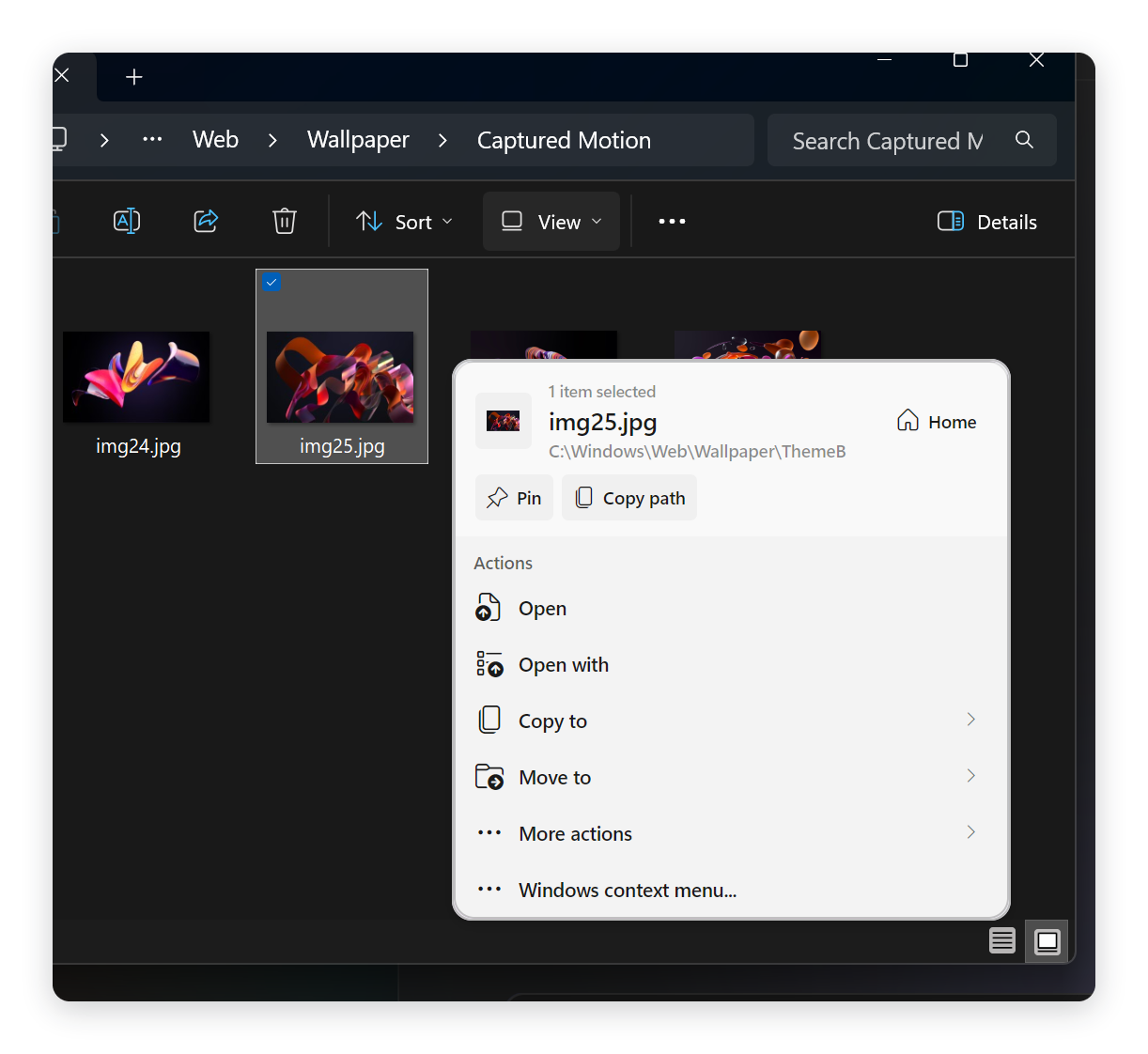
Quick Menu and the main search window serve different purposes: use Quick Menu when you already have something in front of you, and open the full search window when you want to find something.
Faster file search and local AI Search
The file index has been rebuilt to use less memory and disk space while keeping searches responsive during large updates. Folder and network-drive indexing is more reliable, and Favorites on disconnected drives come back when the drive is available again. Normal file searches from Open and Save dialogs still look everywhere; use the in-window tag when you mean the current folder only.
AI Search has also been rebuilt. It finds apps, files and settings by meaning rather than exact wording, runs on your device, and starts without waiting for a model to warm up. Choose how closely results should match, or turn off all AI features in Settings.
More you can do from the keyboard
- Screen Search can keep hints on screen after a click, so you can take several actions without reopening it.
- App hotkeys can launch or focus the apps you use most. Settings is also easier to browse and search without a mouse.
- Tasks has a redesigned editor, a toolbox and templates, and F5 for test runs. You can reuse search results in later steps and run Python without a separate installation.
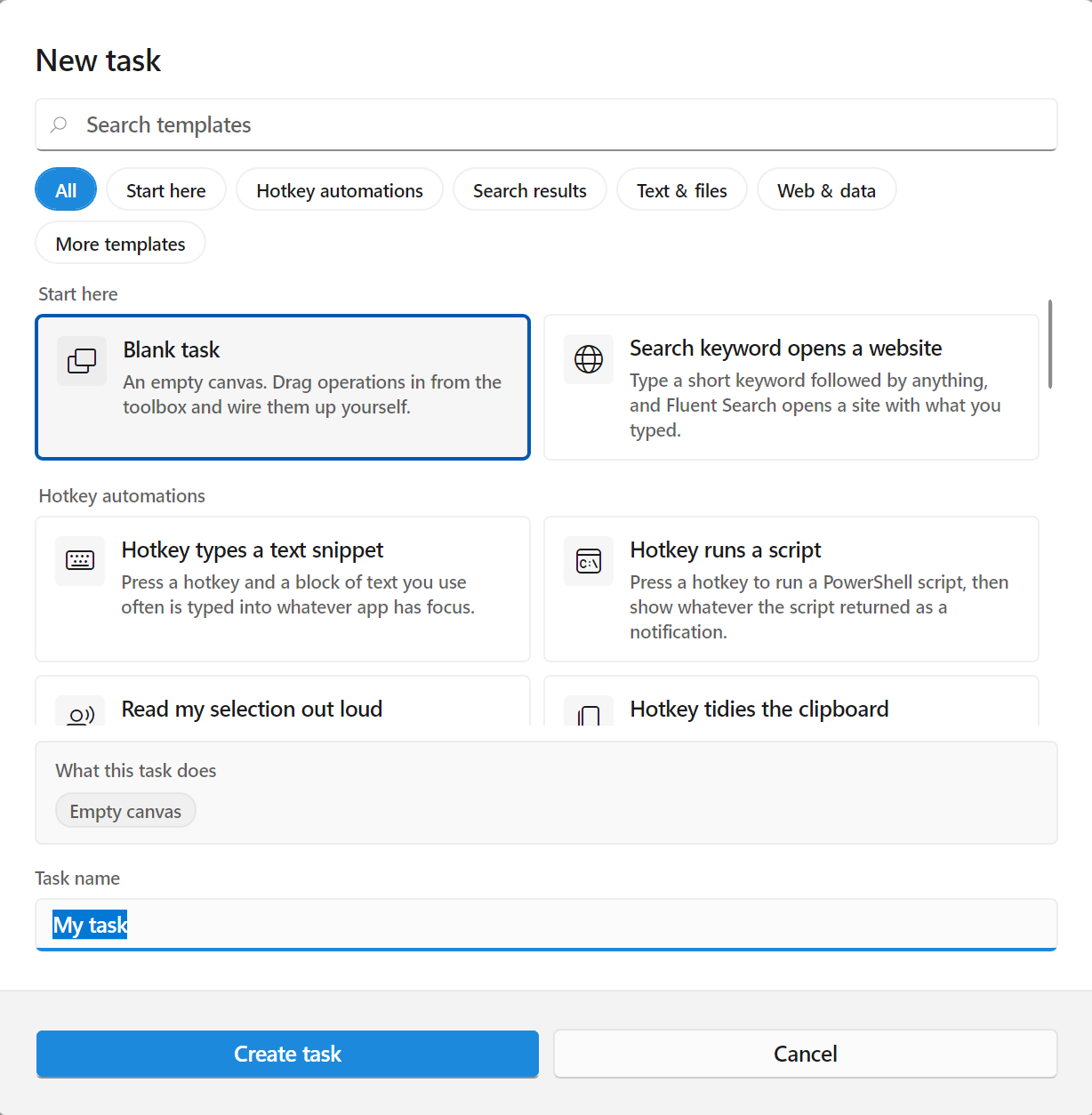
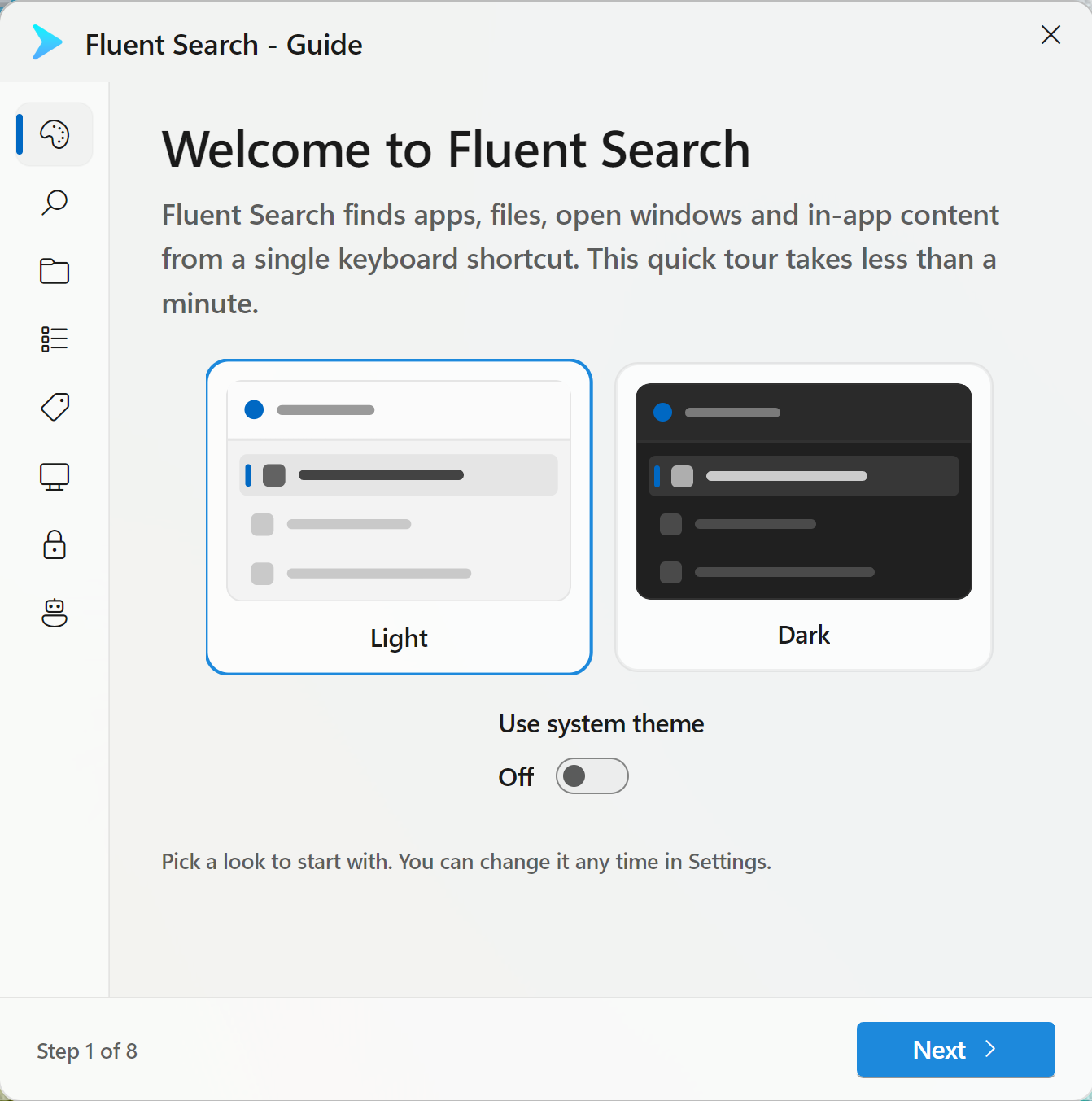
There's also a refreshed design across light and dark themes, more file types you can preview, and an interactive welcome tour. Fluent Search's own features and settings are still searchable by their English names when you use a translated interface.
Updating from 1.0.1.4
Keep your existing installation and update it in place. If you have settings or Tasks you rely on, make a backup before a major upgrade. For a standard installation, the profile is in %APPDATA%\Blast; portable builds keep it in the Blast folder next to the executable. The file index may rebuild after the update, so file results can take a little time to fill in on the first run.
Download Fluent Search 1.5 or read the detailed preview notes for a deeper look at the new features. If something isn't working, please open an issue and include your Windows version, install type, and what you were doing.
Thank you to everyone who tried the previews and reported what didn't work. This release is better because of it.